
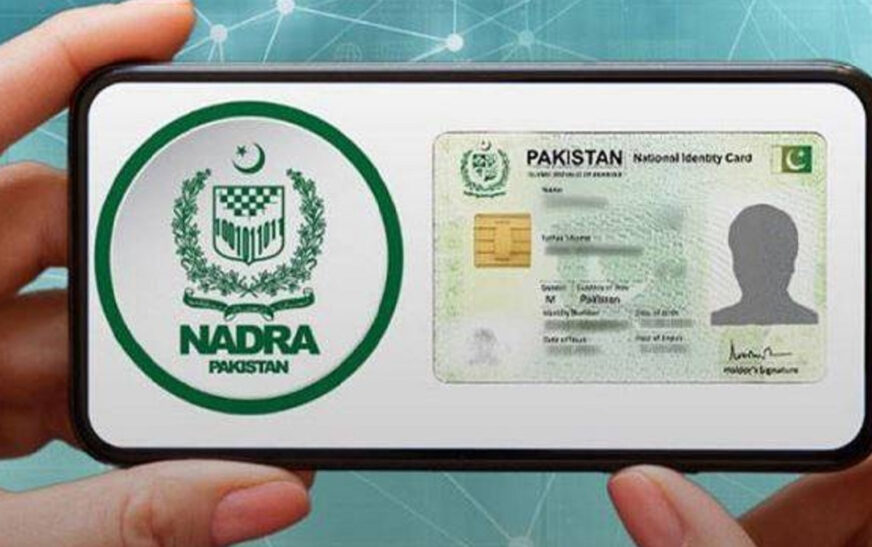
ISLAMABAD: The National Database and Registration Authority (NADRA) has explained the procedure for obtaining a digital identity card through its Pak ID mobile application.
According to a statement issued by NADRA, citizens can access the digital ID by logging into their account on the Pak ID app and selecting the Digital ID option.
The authority said the request will be processed according to the user’s verified profile, after which the digital identity card will become available in the ID Vault.
NADRA clarified that users must complete identity and biometric verification to obtain the digital ID.
New Features Added to Pak ID App
NADRA said the latest version of the Pak ID mobile application, version 5.8.0, includes several new features aimed at making digital identity services more accessible.
Under the updated system, citizens can access, store and share the digital identity cards of their spouse and eligible children, where applicable.
ALSO READ: Check Your NADRA Family Details Free From Home — Here’s How
The application also includes a QR code scanning facility for verifying documents such as a B-Form or Cancellation Certificate of a CNIC. Users can scan the relevant digital QR code through the app to view the verified information.
Biometric Verification for Hajj and Umrah Vaccinations
The updated Pak ID app also facilitates biometric verification for vaccination requirements related to Hajj and Umrah.
According to NADRA, citizens can use the application to complete biometric verification for influenza and meningitis vaccinations.