

ISLAMABAD: First, you are able to change a Word document into a PDF or vice versa, merely by dropping the file into ChatGPT and giving it the converting command. Likewise, if you wish to have one file out of many, it will easily combine your documents, provide the crucial parts with a different color, or readjust the correct layout.
Edit and Enhance Images
Just imagine you put an image in ChatGPT: you feed a picture to ChatGPT, and the app is capable of altering that photo by cropping, resizing, brightening, background removing, or retouching the image, all while remaining in the same conversation. Moreover, AI can also change selfies into simulations or make photos that seem like Instagram stories directly.
Record Meetings and Summarize Key Points
With the help of ChatGPT’s recording and screen-sharing facilities, the recording of any live conversation is put in your hands. You can also put up the pieces in an audio file. The Bot is capable of converting speech to text, marking the essential points, and even drafting the subsequent emails—taking the burden of office meetings, interviews, or lectures.
Track Calories and Plan Meals
Meanwhile, posting the pictures of what you will eat, or a listing of foodstuffs, ChatGPT can determine calorie intake, offer healthier food options, and prepare weekly meal plans for weight management.
Design Posters and Graphics
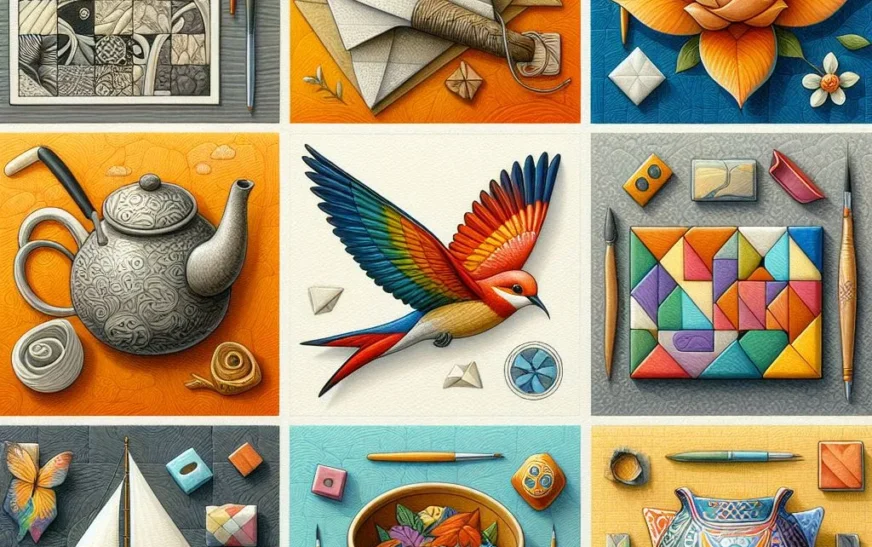
If it is a topic for blogging, celebration, or local events, GPT can create adverts or visual content for you by picking out personalized typefaces, colors, and designs according to your desires.
Analyze Receipts or Screenshots
As an illustration, in the case you provide a receipt or an invoice, ChatGPT will examine the file to assist in organizing the expenses in a systematic way—a tool that is very convenient when it comes to creating budgets and financial planning.
Create Simple Apps and Prototypes
By employing ChatGPT’s Canvas or code interpreter, the user can swiftly create demo versions of calculators, to-do lists, or other small apps even without any prior knowledge of coding. Live previews as well as the option to change your work are there when your prototype is done.
By using the above methods, ChatGPT is not just a conventional online assistant any longer but rather a multi-purpose helper that can deal with both your personal as well as professional chores.